How it goes
Add the line in Shopify
- Open your themeIn your Shopify admin, go to Online Store › Themes.
- Edit codeNext to your live theme, click the three dots (...) and choose Edit code.
- Open theme.liquidUnder Layout, open theme.liquid.
- Paste above </body>Find the line that says </body> (near the bottom). Paste your line on a new line just above it.
- SaveClick Save.
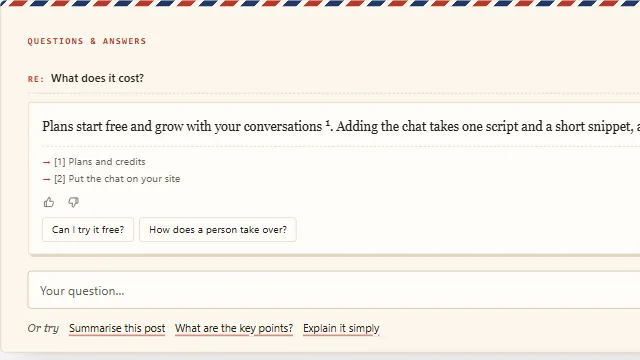
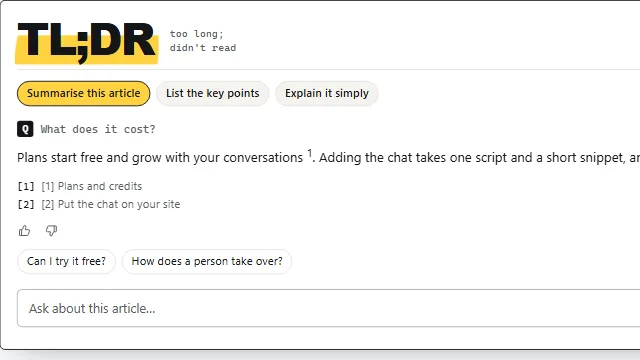
Example conversation on a sample site.