How it goes
Add the line in BigCommerce
Script Manager works with Stencil themes and Catalyst 1.1 or later.
- Open Script ManagerIn BigCommerce, go to Storefront, then Script Manager.
- Create a scriptClick Create a Script and give it a name, such as OneType.
- Set placement and locationFor Placement choose Footer, for Location choose Storefront pages (excludes checkout, order confirmation and My Account), and for Script Type choose to enter the script yourself. BigCommerce may ask for a script category.
- Paste your linePaste your line.
- SaveClick Save.
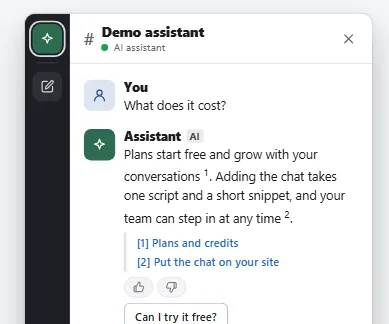
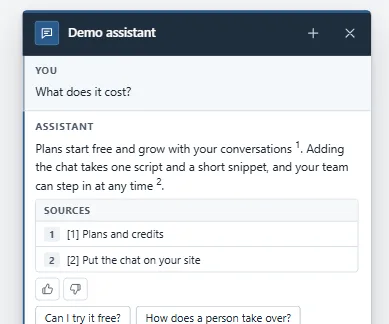
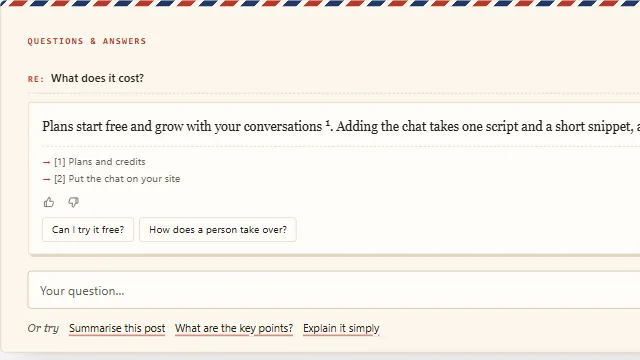
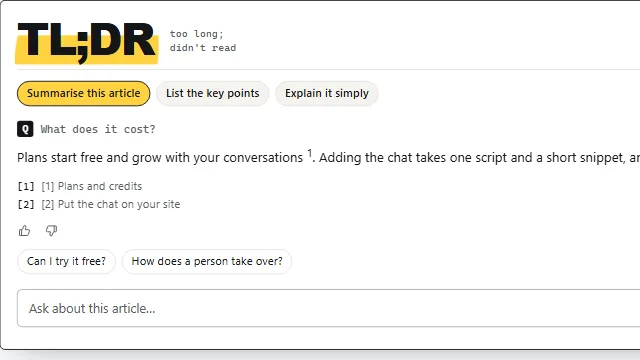
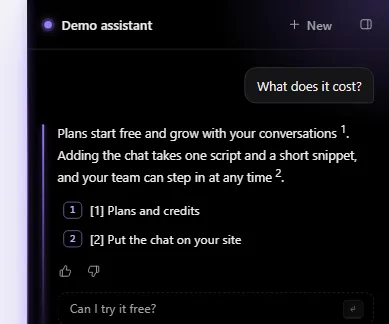
Example conversation on a sample site.