How it goes
Add the line in Wix
Custom code needs a published site with a connected domain.
- Open Custom codeIn your Wix dashboard, go to Settings, then Custom Code (under Development & integrations).
- Add custom codeClick Add custom code at the top right.
- Paste your linePaste your line into the box.
- Name it and place itName it OneType, choose All pages, and place it in Body - end.
- Apply and publishClick Apply, then Publish your site.
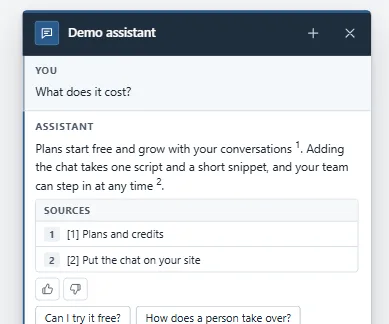
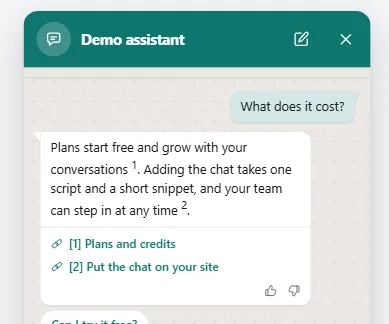
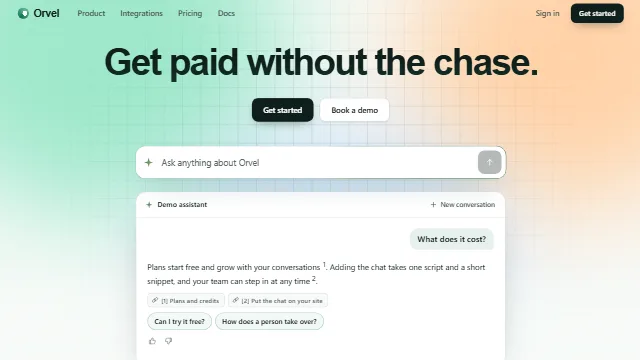
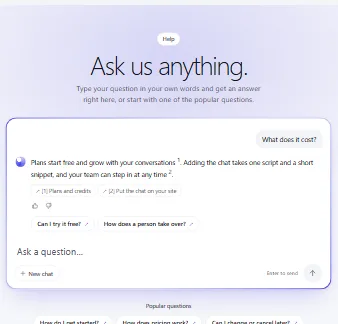
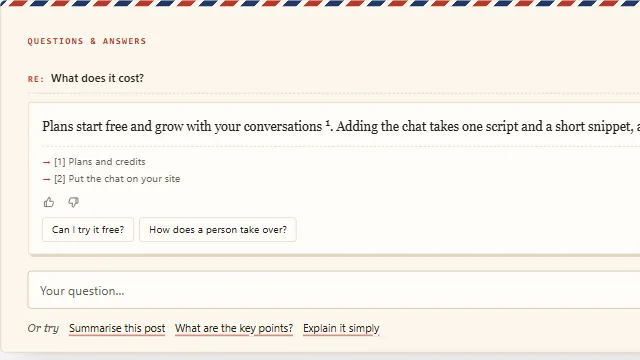
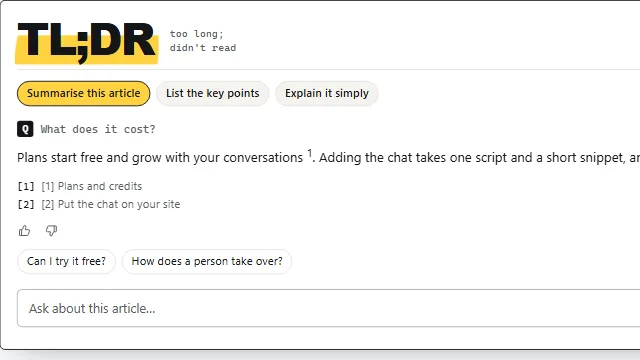
Example conversation on a sample site.