Squarespace

An AI chat for your Squarespace site, built from your own pages

Sign up free and OneType reads your website in minutes, then answers your visitors with sources.

Start free

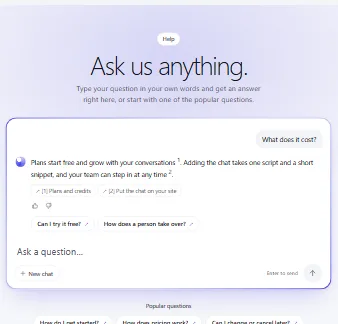
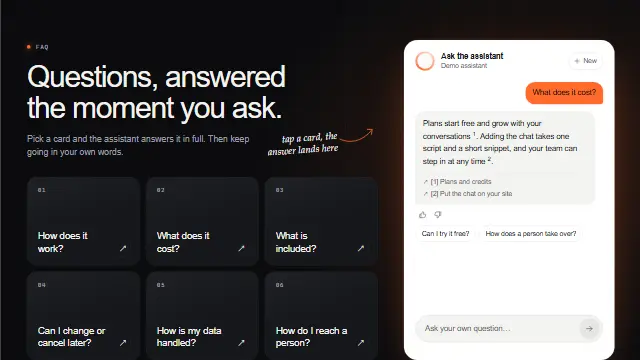
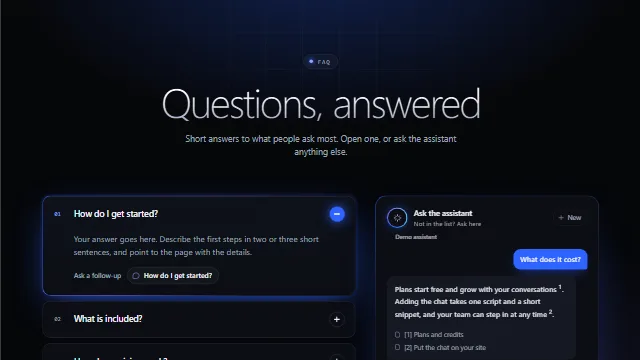
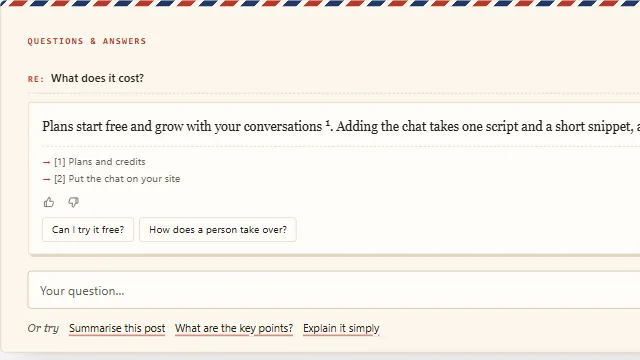
Hey, we're OneType.Ask us anything.

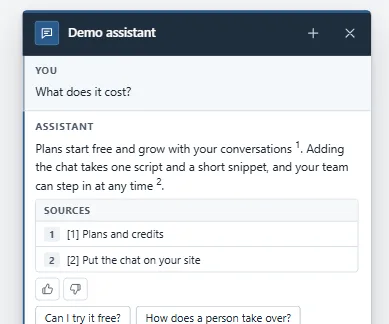
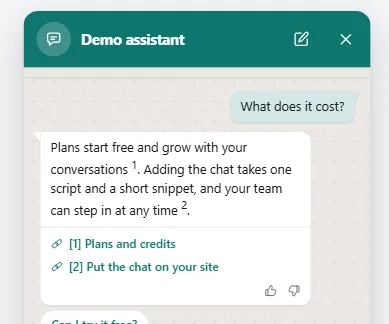
I answer from what onetype.ai says, and show the page each answer comes from.

How it goes

Add the line in Squarespace

Code injection needs a Squarespace Core, Plus or Advanced plan.

  1. Open Code injectionIn Squarespace, go to Settings, then Advanced, then Code injection.
  2. Paste in FooterPaste your line into the Footer box.
  3. SaveClick Save.
yourwebsite.com
Your site

Do you work with small businesses?

Yes. Our About page says we work with small businesses and larger teams.

About

Want me to pass your details to the team?

Example conversation on a sample site.

About

About OneType on Squarespace

In Squarespace, the line goes into Code injection, under Settings › Advanced, in the Footer box. Code injection is available on Squarespace's Core, Plus and Advanced plans, and some older plans. It does not run on Index landing pages or on checkout pages. Save, then open your published site to see the chat button.

What you should see

  • A chat button in the corner of your published site. Open the published address, not the editor preview.
  • Within a minute of opening any page, OneType shows "Live on" followed by your site's address.

Answers

No guessing. Just your content.

By default, your pages, docs and files are the only thing it answers from.

See cited answers
  • Stays up to dateYour website is re-read on a schedule, so answers follow your pages. On Free, one click syncs it.
  • Says when it doesn't knowWhen your content doesn't cover a question, it says so instead of guessing.

Human handoff

A person when it matters

Prefer AI only? Keep it off. On paid plans, turn it on and your team takes over any chat in one click.

See human handoff
  • Reply from Slack or DiscordYour team gets the handoff where it already works.
  • Details when offlineWhen nobody is online, visitors leave their contact details so you can follow up.

MCP

MCP ready

Set up your agent, change its look and check its answers from the AI chat you work in.

See MCP
  • Build from the chatCreate your agent and add knowledge from the chat you already use.
  • Test answersAsk your agent a question from your AI and see the answer with its sources.

Works with

Works on the platforms you already use

Add one line to your site. Pick yours below for the steps.

Logos belong to their owners. OneType is not affiliated with these platforms.

Templates

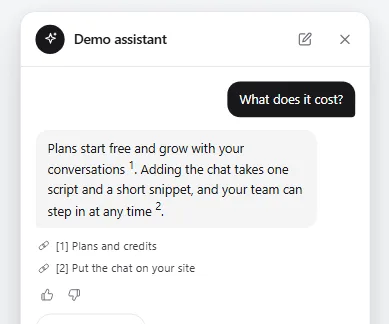
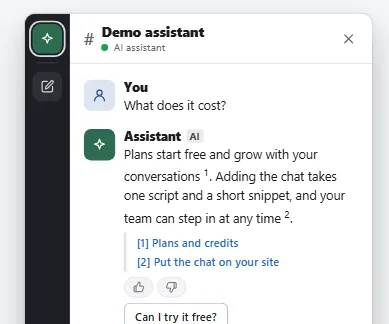
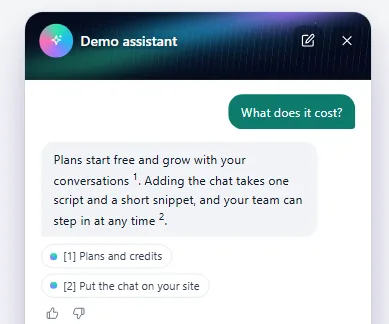
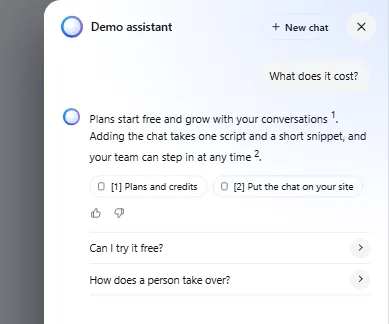
134 chat templates. Start from one in a click.

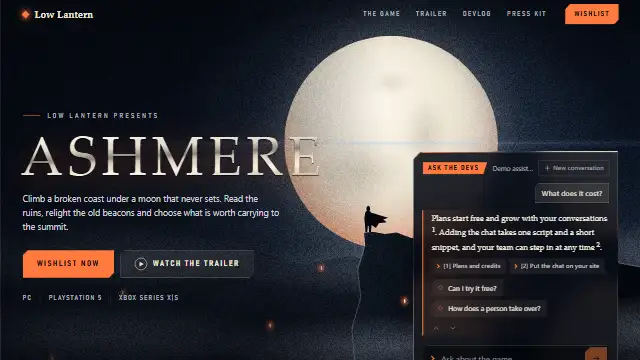
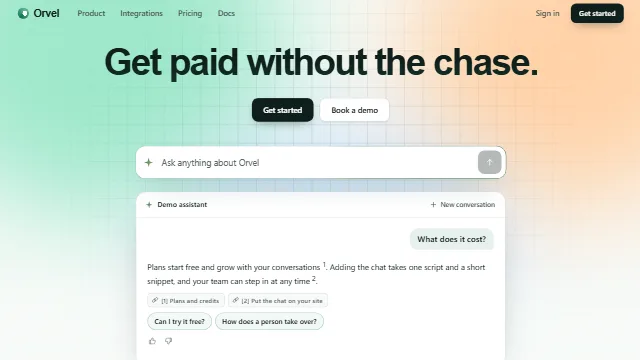
Bubbles, side panels, hero chats, help pages and full pages.

See all templates

Frequently asked questions

Code injection is available on Squarespace's Core, Plus and Advanced plans, and some older plans. It does not run on Index landing pages or on checkout pages.

Start with my chat

Start free. No card needed.