How it goes
Add the line in HubSpot CMS
You need the Website settings permission in HubSpot.
- Open settingsIn HubSpot, click the settings icon in the top navigation bar.
- Go to Content, then PagesIn the left sidebar, go to Content, then Pages.
- Choose a domainIn the domain dropdown, choose your domain, or "Default settings for all domains" to apply it to every domain.
- Add to Site Footer HTMLIn the Site Footer HTML section, paste your line. (For a single domain, click Override default settings first.)
- SaveIn the bottom left, click Save.
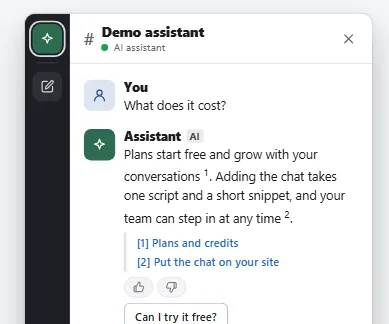
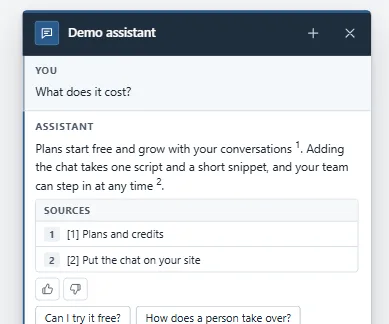
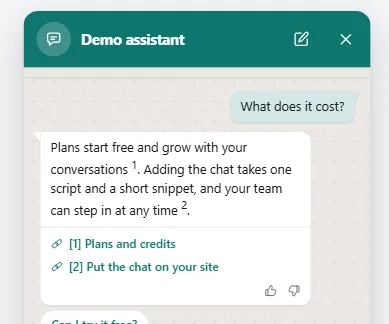
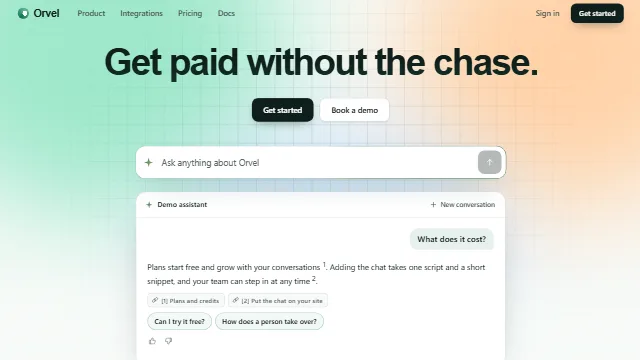
Example conversation on a sample site.