How it goes
Add the line in Framer
- Open Project SettingsOpen Project Settings in your Framer project.
- Select Custom CodeSelect the Custom Code tab in the left sidebar.
- Click Add ScriptClick Add Script (or the + icon if you already have scripts).
- Name the scriptName the script, for example "OneType chat".
- Choose placement and pasteChoose a position at the end of the body, and paste the OneType line.
- Choose pagesLeave the page list as it is to load the chat everywhere, or select only the pages where you want it.
- Run on every page visitChoose Run on every page visit.
- Publish and checkPublish your site, then open the live page. Framer does not load custom code in the canvas preview.
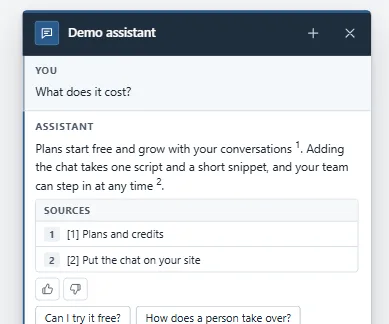
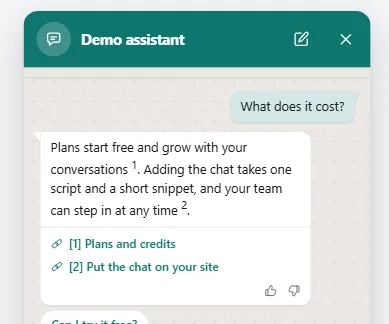
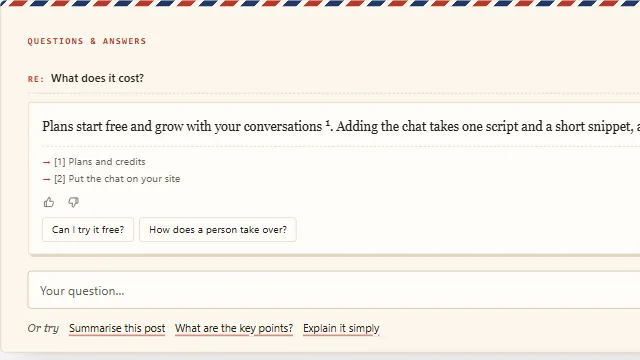
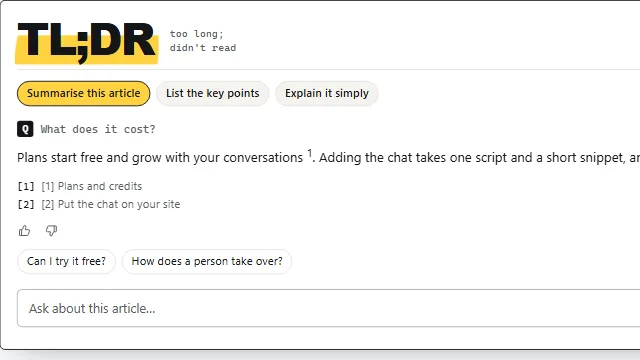
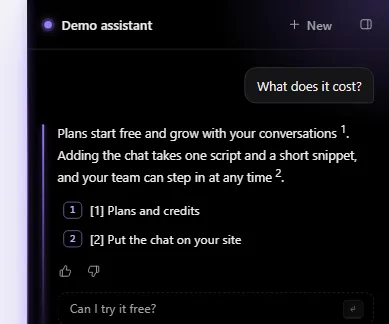
Example conversation on a sample site.