How it goes
Add the line in WordPress
On wordpress.com, plugins need a paid plan. On your own WordPress you can do this today.
- Install WPCodeIn your WordPress admin, go to Plugins › Add New and search for WPCode. Click Install Now, then Activate.
- Open Header & FooterGo to Code Snippets › Header & Footer in the left menu.
- Paste your linePaste your line into the Footer box.
- SaveClick Save Changes.
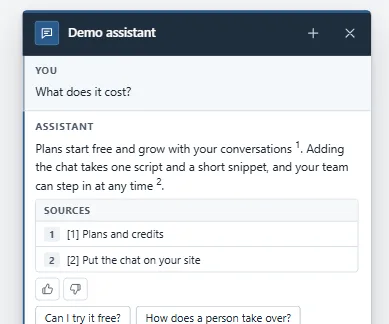
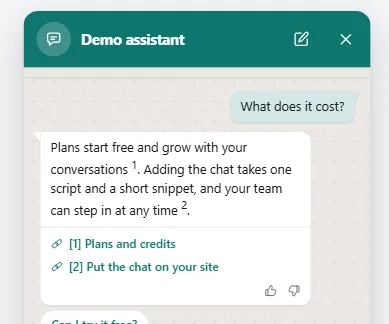
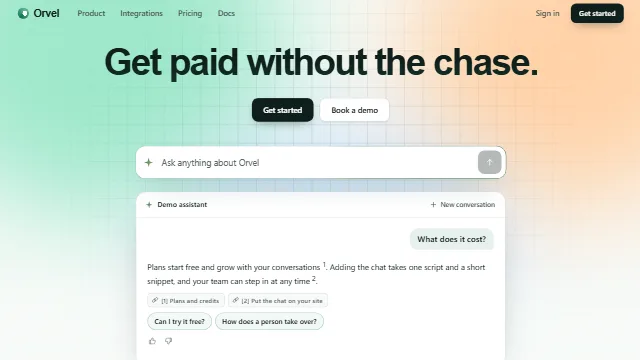
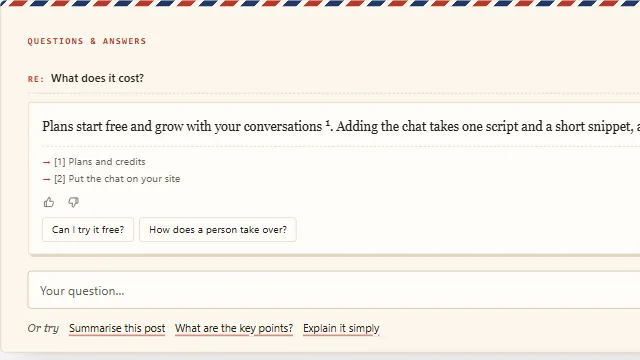
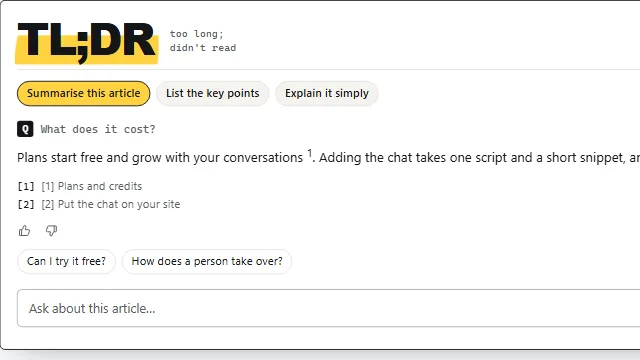
Example conversation on a sample site.